AI Workflow Automation: Build Live Flows, Not Decks
Where a model makes one judgment call inside a workflow — and what to build first.
Quick answer
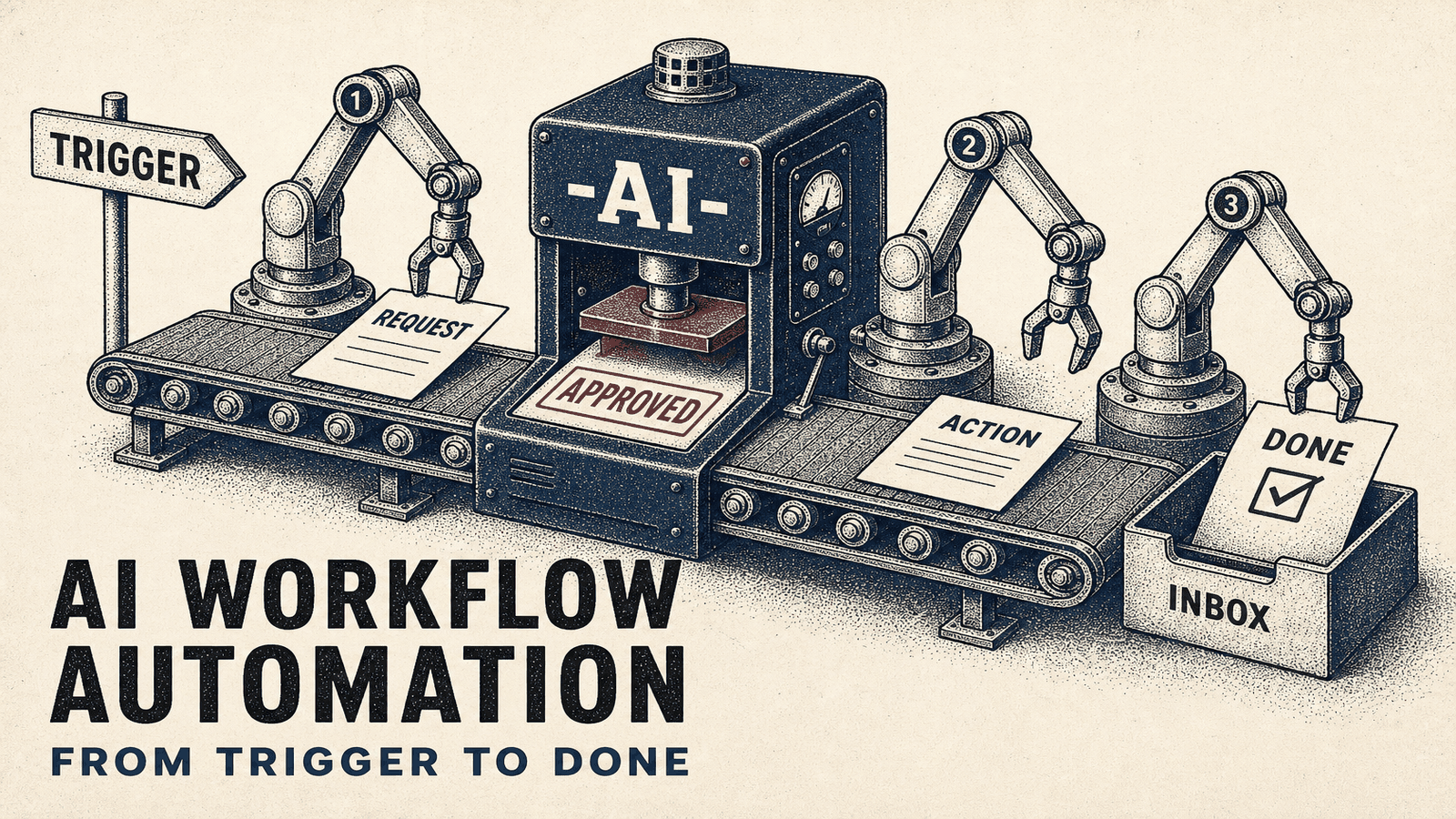
AI workflow automation is a workflow where at least one step is a model making a judgment call — read, classify, extract, draft, score or route — between a trigger (a new lead, email, PDF or ticket) and an action in your tools. It is not a chatbot in a tab. Start with one path that eats 5–10 hours a week, keep a person on low-confidence cases, and log every run. Pricing bands live in our pricing guide. The worked example is Case 01: Salesforce, SalesLoft and Claude on the client’s own n8n, in production in 3 weeks.
What Is AI Workflow Automation?
Traditional automation moves data from point A to point B. A form is submitted, a CRM record is created. An email arrives, the attachment is saved. Trigger, then action.
AI workflow automation adds one judgment in between. The model reads the lead, the ticket, the PDF or the thread, and classifies, extracts, drafts, scores or routes. A person still owns the cases the model is not sure about.
If the path changes from case to case and the model has to choose its own next step, that build is AI agent development.
We've implemented AI workflow automation for 50+ clients since early 2024. The businesses seeing the biggest wins aren't replacing humans wholesale—they're removing the tedious parts so their teams focus on what actually requires human judgment.
The plain version of the pattern, without a model in the line, is in what workflow automation is.
Why It Is Practical Now
Models are cheap enough, and instruction-following is good enough, to sit inside a chain instead of a tab someone copy-pastes from. The useful production jobs are narrow: a cadence draft, a ticket draft, invoice fields into a ledger.
Make, Zapier and n8n can call OpenAI, Anthropic Claude or Google Gemini without a custom app. Pick the model per task and test it on your data. A benchmark on someone else’s prompt is not your accuracy.
Jobs Worth a First Flow
These are the shapes of the work. They are examples of the job, not client results.
Example: lead qualification and routing
Inbound forms pile up. Someone reads them, someone else decides who calls. A model scores the form against your ICP and hands a shortlist to the right rep, with a suggested first line. A person still owns the send.
Example: support triage
Tickets arrive. A model tags urgency and type, drafts a reply for the obvious ones, and sends the rest to a person with the error text already pulled out. Low-confidence tickets do not auto-send.
Example: a recording turned into drafts
A weekly recording is transcribed. A model pulls a handful of points and drafts posts for each channel. A person approves before anything publishes.
Example: fields out of messy invoices
Invoices arrive in different layouts. A model extracts vendor, amount, date and lines into a draft entry. A person reviews before it posts.
More job shapes, still without invented savings: business automation examples.
How to Build It
1. Map the path on paper
Sit with the person who does the job. Write the trigger, every decision, and the exceptions. Automating a process you cannot draw produces a faster mess.
2. Mark the judgment
Find the step where someone decides. Is this lead a fit? What priority is this ticket? Do these invoice lines match the order? That step is the model. The rest is moving data.
3. Build the backbone first
Use Make, Zapier or n8n to connect the trigger to the systems the action has to land in. Not sure which runtime: Make vs Zapier vs n8n. Prove the data moves before you add a model.
4. Add one model call
Pass only the context the judgment needs. Ask for a JSON object that matches a schema: the score, the label, the draft, and a reason. If the parse fails, stop the chain.
5. Review, then log
Run real examples beside the manual path. Where the model is wrong, fix the prompt or the schema. Keep a person on low-confidence cases. Log the prompt, the model, and the output, or you cannot debug week three.
Case 01, the build we can cite
Case 01 is an $18M B2B sales team. The stack on the blueprint is Salesforce, SalesLoft and Claude, on the client’s own n8n. Cadence and proposal automation was in production in 3 weeks. Production logs show 60 seconds per cadence and 9.7/10 quality (LLM-judged, 20 runs).
The 175 hours a week is a published model: 7 reps × 10 prospects a day × 30 minutes. It is rep time redirected from prep to selling, not payroll removed. Sister builds on the same page: a 4,000-row deal-flow database from scattered PDFs, and $45K in qualified pipeline in the first live week. Hours and the $1M+ figure on that page are the same kind of model. No invented “500+ hours saved” claims.
What It Costs
Fixed scope, quoted after a discovery call. The automation agency pricing guide publishes the bands: Most businesses pay between $5,000-15,000 for their first automation project. Scope-by-scope ranges are in how much automation costs.
API spend is rarely the expensive part. Someone has to own the prompt when the product changes.
How to Measure It
Measure the path for two weeks before you automate it: hours, cycle time, and errors. If you want a money figure, multiply hours by a fully loaded rate and subtract the build. Across our client base, average payback period is 2.8 months. The worked example with the inputs written out is the Case 01 model above. The method is in the ROI calculator article.
Mistakes That Waste the Build
Automating a path you cannot draw. The model makes a bad process fail faster.
Letting the model write straight to the customer. Low confidence goes to a person. Trust the log, not a vibe.
Starting with twelve use cases. One path that is boring and stable, then the next.
Skipping the log. Without prompt, model and output, the third week is guesswork.
Picking a model from a leaderboard. OpenAI, Anthropic Claude, Google Gemini — match the model to the task and test it on your data.
Getting Started
Pick one process that is both painful and repetitive. Not the most complex. Something that eats 5–10 hours a week and frustrates the team.
Write the trigger, the judgment and the destination. Build a version where the model handles that one judgment. Test it on real items. Keep a person on the unsure cases. Expand when that path is dull.
If you want this built rather than DIY, that’s our AI workflow automation services — scoped on a 30-minute call. For the buyer checklist, see how to hire an automation agency.
Frequently Asked Questions
What is AI workflow automation?
AI workflow automation is a workflow where at least one step is a model making a judgment call — read, classify, extract, draft, score or route — between a trigger and an action in your tools. It is not a chatbot in a tab.
How much time can AI workflow automation save?
It depends on the path; measure two weeks first. Case 01’s published model: 7 reps × 10 prospects/day × 30 min = 175 hours a week of prep redirected. That figure is rep time redirected, not payroll removed.
What business processes work best with AI automation?
Lead qualification and routing, support triage, first-draft replies, and pulling fields out of documents. Any step that is a judgment between a trigger and an action. Pure data transfer often works with rules alone.
How much does AI workflow automation cost?
Fixed scope, quoted after a discovery call. The automation agency pricing guide publishes the bands: Most businesses pay between $5,000-15,000 for their first automation project. A longer breakdown is in how much automation costs.
Can I build AI workflow automation without coding?
A first flow often can. Make, Zapier and n8n can call OpenAI, Anthropic Claude or Google Gemini without a custom app. You still need someone who can design the path, the prompt and the review rule. Code shows up when volume, custom auth or self-hosting forces it.
Can em8 build it for us?
Yes. That is our AI workflow automation services engagement: one judgment step, scoped on a 30-minute call, built on your stack, handed over with credentials, prompts and logs you own.
Ready to implement AI workflow automation?
Book a free discovery call to discuss which process to automate first and get a scoped plan.
Book Free Discovery Call